For Shopify merchants

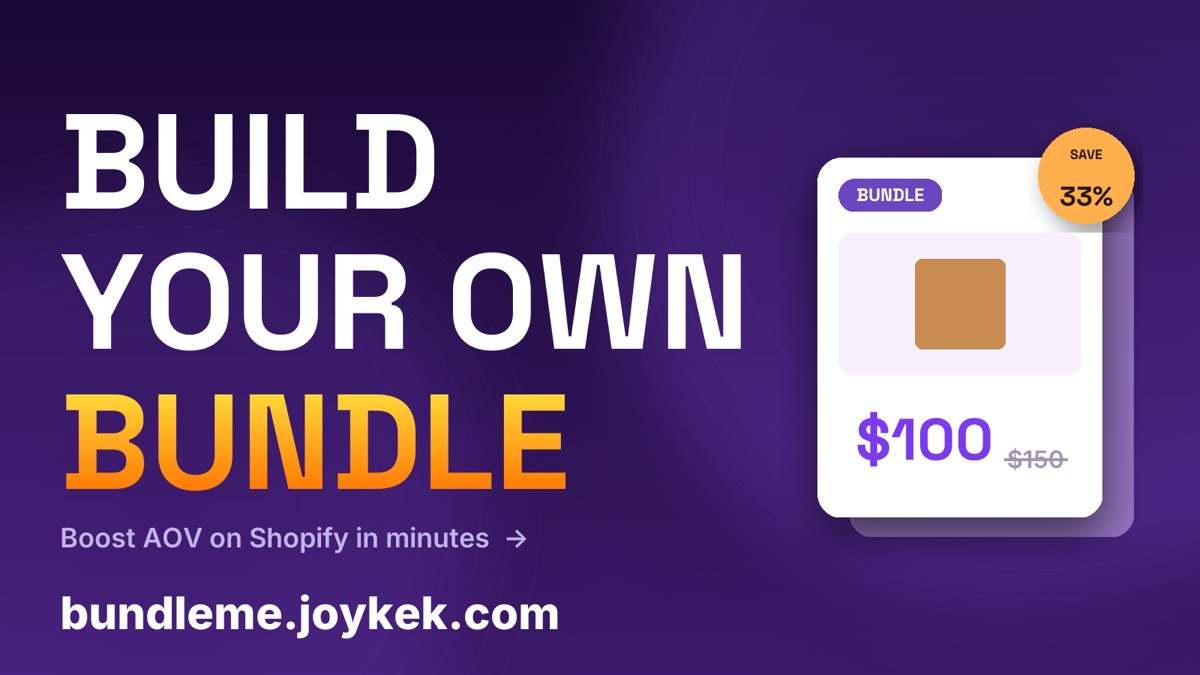
Build Your Own Bundle for Shopify.

Let customers create custom product bundles from your collections at a special price. Powered by Shopify's Cart Transform Function — no third-party scripts.

Watch a 3-minute walkthrough — from install to first bundle in your storefront.

In action

Designed to convert. Built to last.

Every screen is built for one outcome: more bundles, more revenue, less developer time.
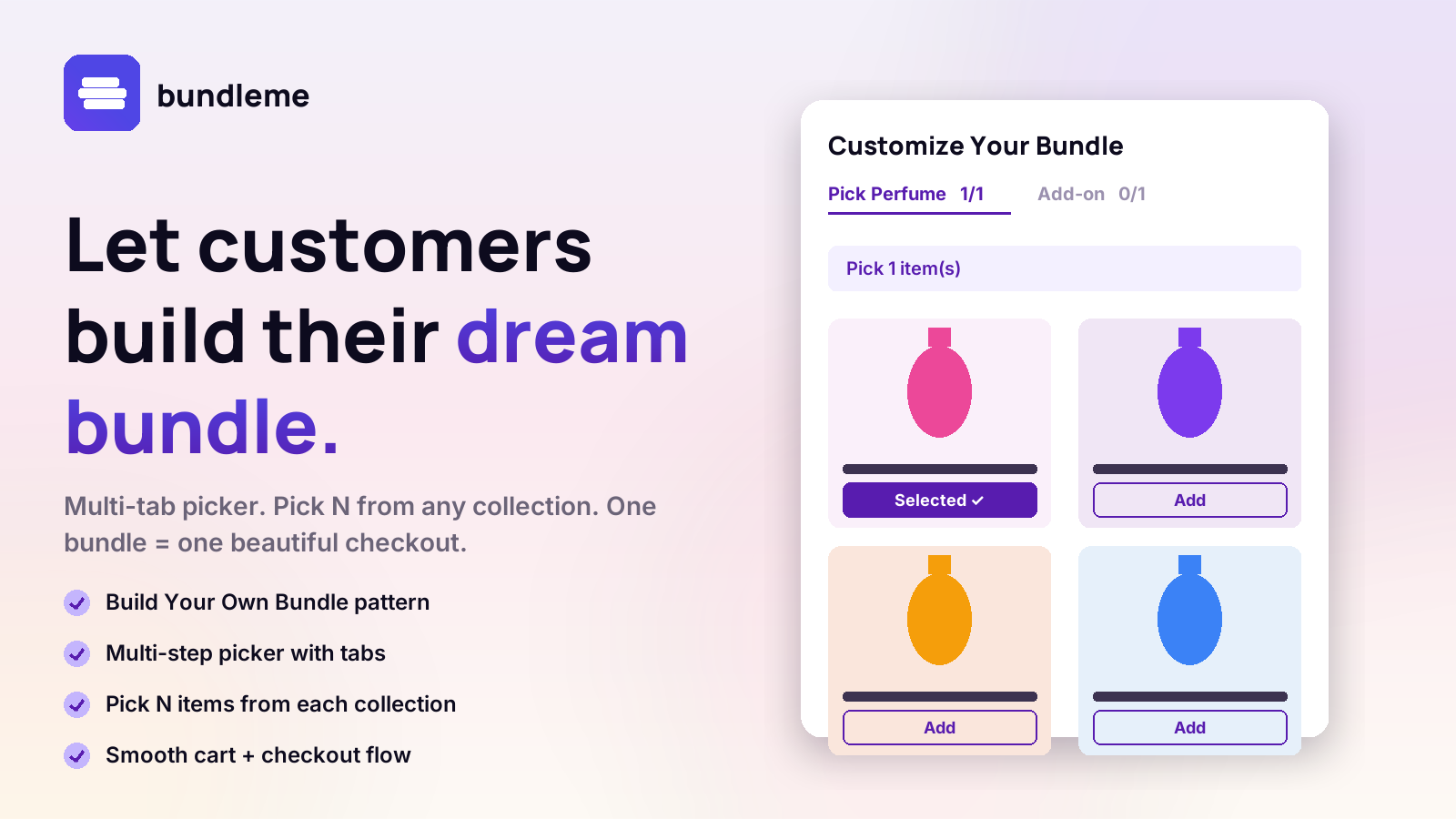
Let customers build their dream bundle
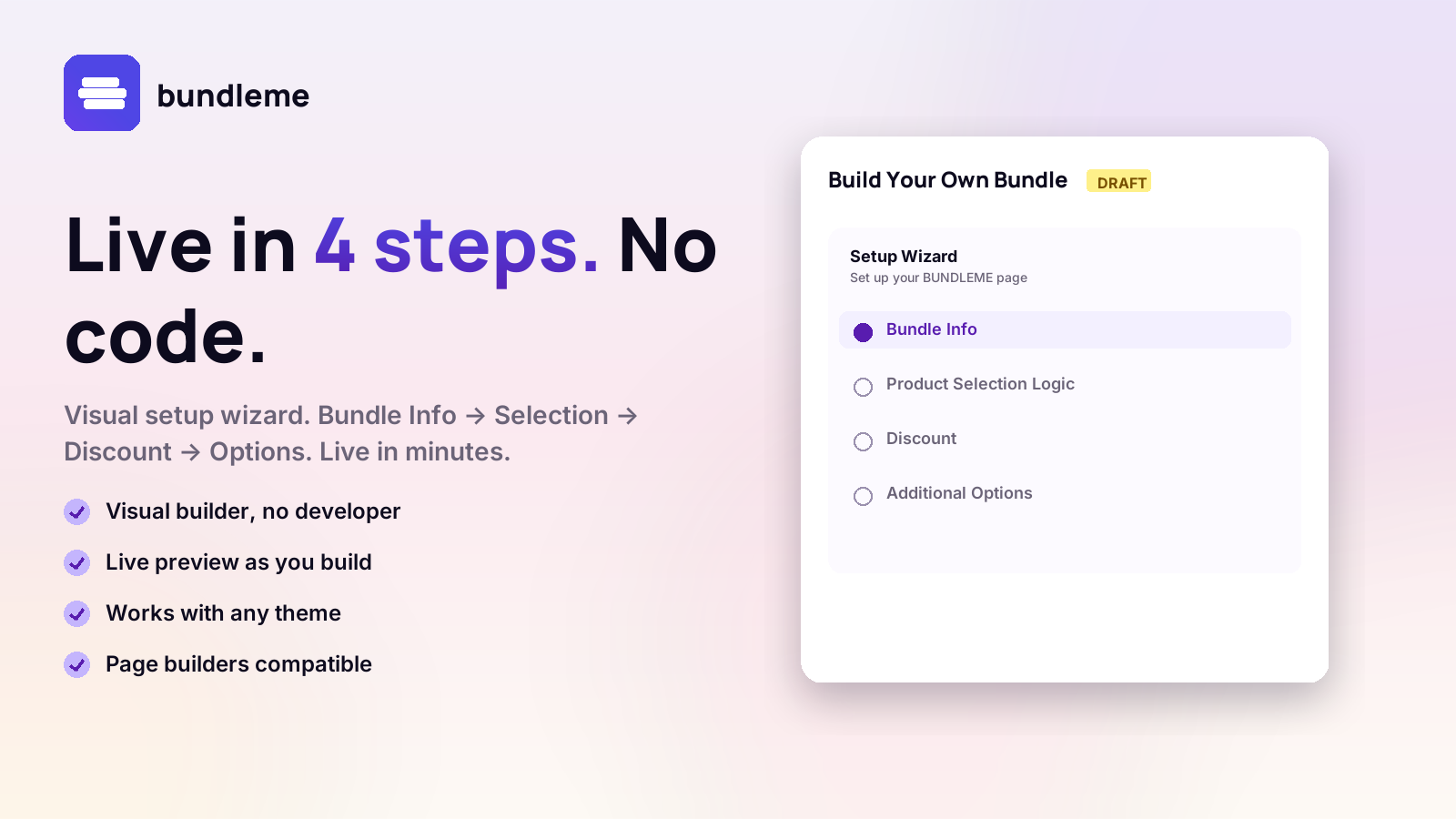
Live in 4 steps. No code.
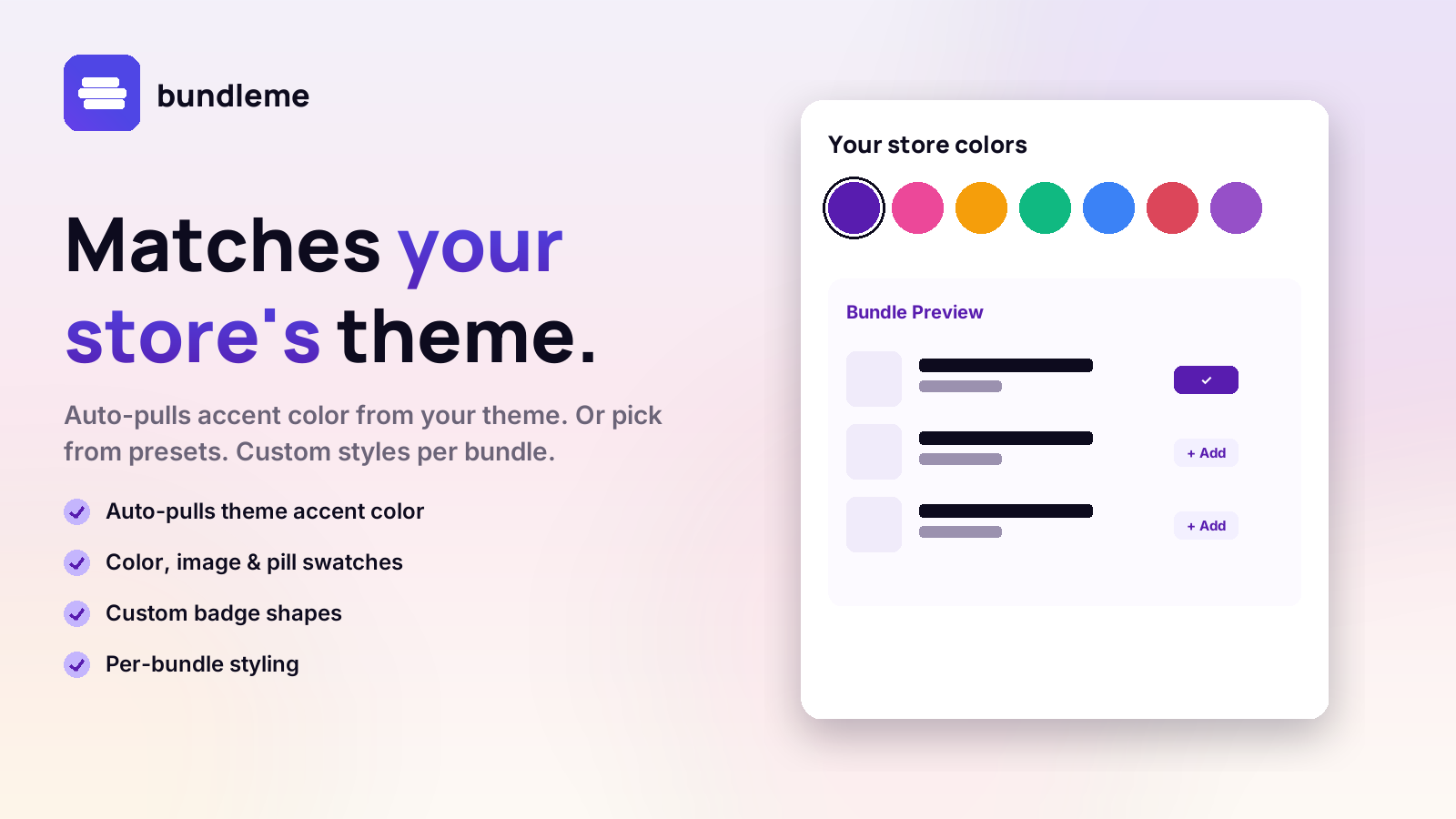
Matches your store's theme
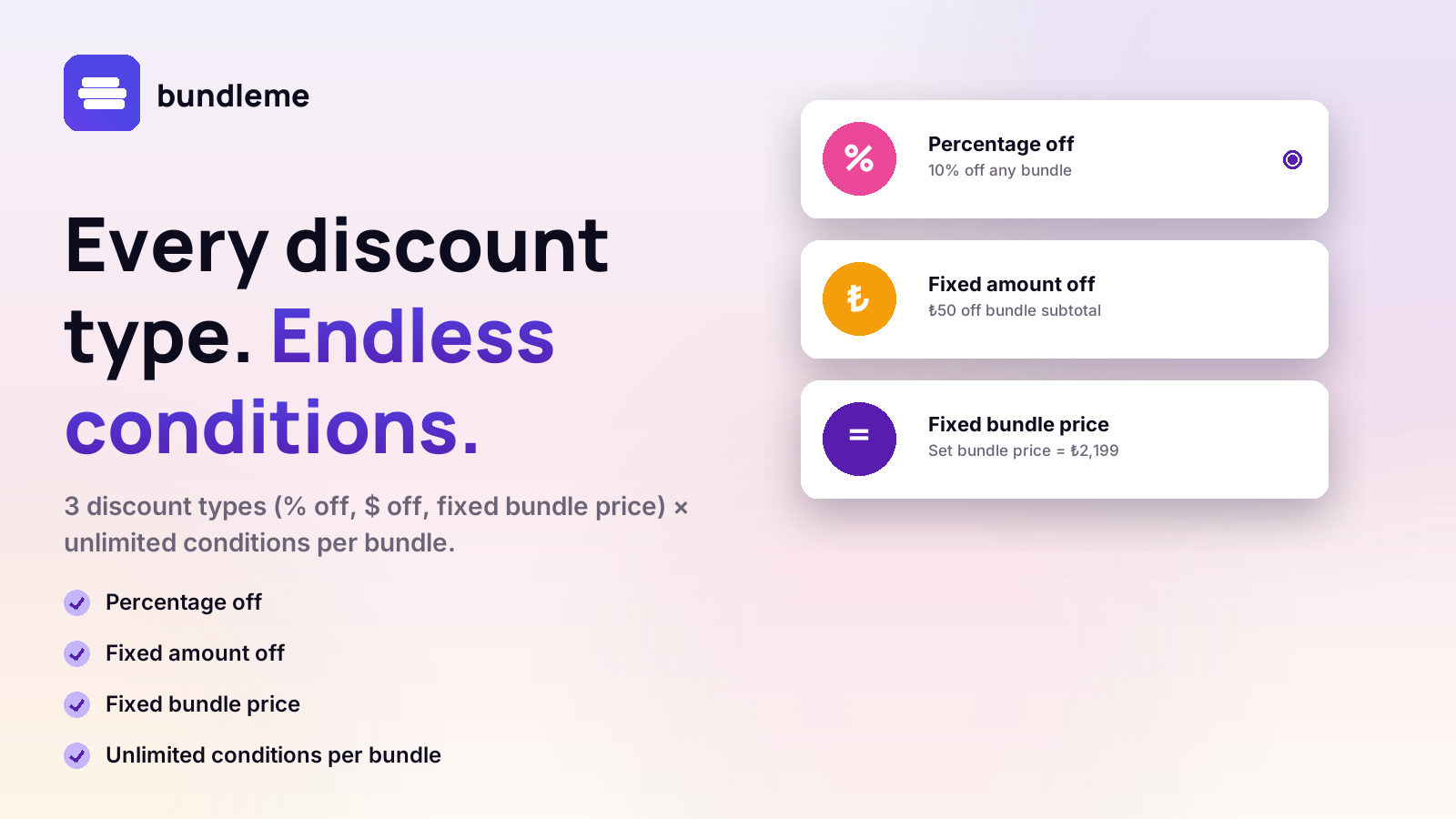
Every discount type. Endless conditions.
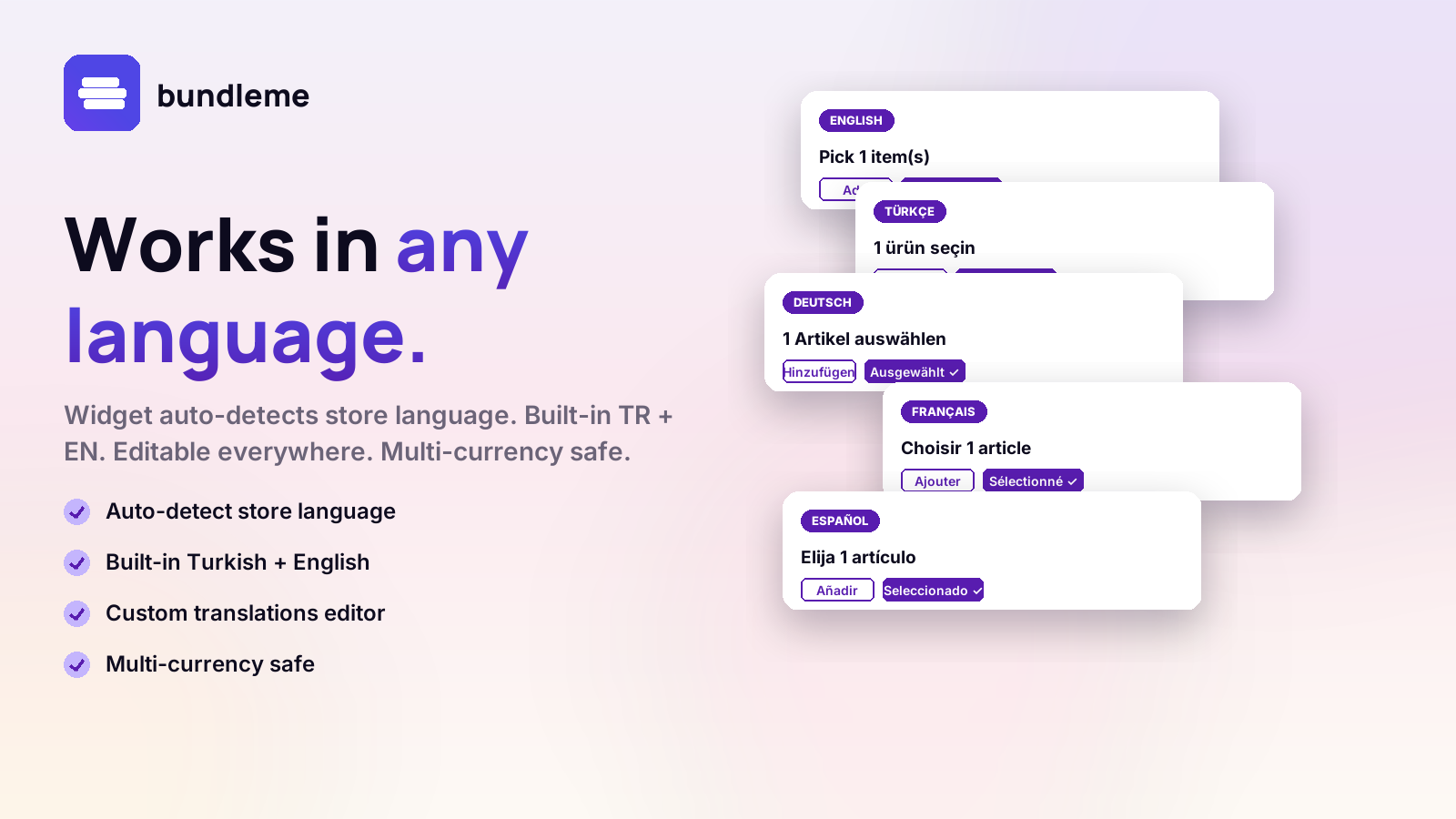
Works in any language
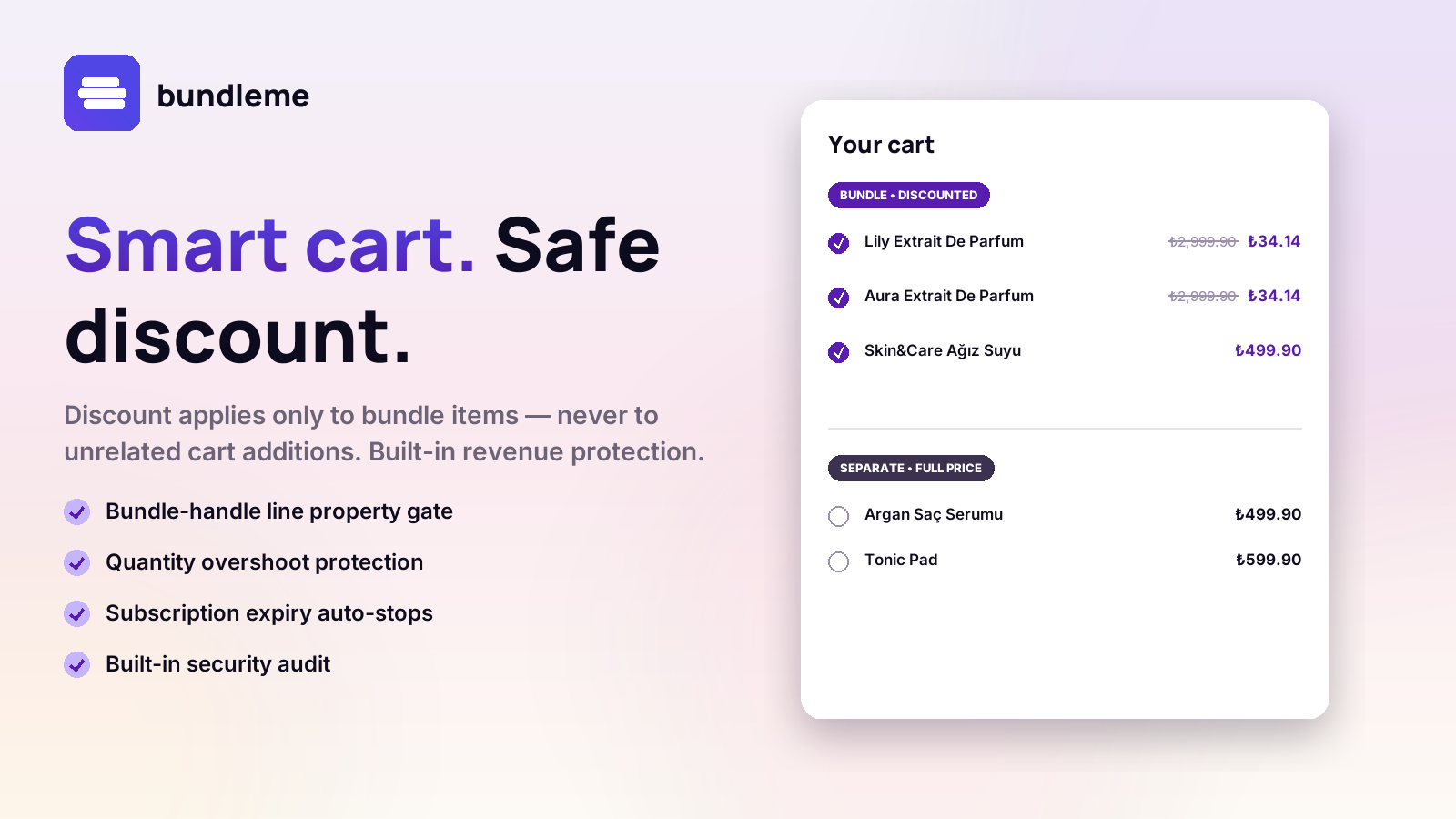
Smart cart. Safe discount.
How it works

Three steps from install to first bundle.

BUNDLEME runs on Shopify's native discount engine and ships with a storefront widget you embed through the theme editor — no code, no scripts.

1

Install & pick a plan

Install from the Shopify App Store and pick a plan that fits your monthly order volume. Every plan starts with a 7-day free trial.

2

Create your first bundle

Choose the source collections, set quantity conditions, and define the discount: a flat bundle deal, a percentage off, or a fixed amount off.

3

Add the widget to your theme

Open the theme editor, add the BUNDLEME bundle widget block to any page, and your customers can start building bundles right away.

Features

Everything you need to run bundle offers.

Built for merchants who want native Shopify performance without sacrificing flexibility.

B

Build Your Own Bundle

Let customers mix products from collections you choose, with quantity and category conditions you control.

%

Three discount types

Offer a flat bundle deal, a percentage off, or a fixed amount off — switch between them per bundle.

Native Cart Transform

Discounts apply automatically in the cart using Shopify's Cart Transform Function. No third-party scripts, no checkout disruption.

T

Theme App Extension

Add the bundle widget to any storefront page through the theme editor. Fully responsive, no developer needed.

D

Admin dashboard

Create, edit, and track all bundles from a single embedded dashboard inside Shopify admin.

Bundle conditions

Set quantity ranges, collection limits, and category mixes per bundle — flexible rules without templates.

Quick start

Set up your first bundle in 5 minutes.

Follow these steps after installing BUNDLEME from the Shopify App Store.

  1. Open BUNDLEME from your Shopify admin

    Go to Apps → BUNDLEME. You will see the dashboard with empty stats and a "Choose a plan" banner.

  2. Start your 7-day free trial

    Click Billing, choose a plan, and approve the subscription. You will not be charged until the trial ends.

  3. Create a bundle

    Click New Bundle, give it a title, pick one or more source collections, set the minimum and maximum item count, and select a discount type.

  4. Set the bundle status to Active

    Mark the bundle as Active and save. BUNDLEME syncs the configuration to Shopify Metaobjects automatically.

  5. Add the widget to your theme

    Open your theme editor and add the BUNDLEME bundle block to your product page, collection page, or any custom page. Save and preview.

  6. Test on your storefront

    Visit the storefront page, build a bundle with the widget, add it to cart, and confirm the discount is applied automatically.

Pricing

Choose the plan that fits your store.

The Basic plan includes a 7-day free trial. Cancel anytime.

Basic — Starter
Good for small stores
$25 / month
7-day free trial
  • Valid for up to 300 orders per month
  • Unlimited bundles
  • Add a note
  • Basic support
Standard — Growth
Good for online businesses
$49 / month
  • Valid for up to 500 orders per month
  • Everything in Basic
  • Drive traffic from product pages to bundles
  • Add 1 included item
  • Integrations with subscription apps
Plus — Enterprise
For enterprises
$199 / month
  • Valid for up to 2,000 orders per month
  • Everything in Advance
  • Guided Bundles (v1)
  • Highest-priority support
FAQ

Frequently asked questions.

Can't find an answer? Reach out at info@joykek.com.

Does BUNDLEME work with my current theme?
BUNDLEME uses Shopify's Theme App Extension framework, which is supported by all Online Store 2.0 themes. You add the bundle widget block through the theme editor — no template editing required.
How are discounts applied to the cart?
BUNDLEME uses Shopify's native Cart Transform Function. When a customer's cart matches your bundle conditions (the right products, the right quantity), the discount is calculated and applied automatically — no scripts, no checkout extensions, no race conditions.
What happens if I exceed my plan's monthly order limit?
Your bundle widget keeps working, but new bundle orders processed above the plan limit may not be fulfilled with the discount until you upgrade. You can change plans anytime from the Billing page inside the app.
Can I offer different discount types per bundle?
Yes. Each bundle has its own discount setting — choose a flat bundle deal, a percentage off, or a fixed amount off independently for each bundle you create.
Does BUNDLEME store my customer data?
No. BUNDLEME only stores your bundle configurations (titles, conditions, discount rules). We do not store customer personal information, order details, or payment data.
What happens to my bundle data if I uninstall the app?
When you uninstall BUNDLEME, all data associated with your shop is deleted from our systems within 48 hours, in accordance with Shopify's GDPR webhooks. Bundles you created stop applying discounts immediately upon uninstall.
Can I cancel my subscription anytime?
Yes. You can cancel from the Billing page inside the app or from your Shopify Settings → Billing → Active subscriptions. Cancellation takes effect at the end of your current billing period.
Is there a free plan?
BUNDLEME does not offer a permanent free plan, but every paid plan starts with a 7-day free trial. You can install, configure, and test the app fully during the trial period without being charged.